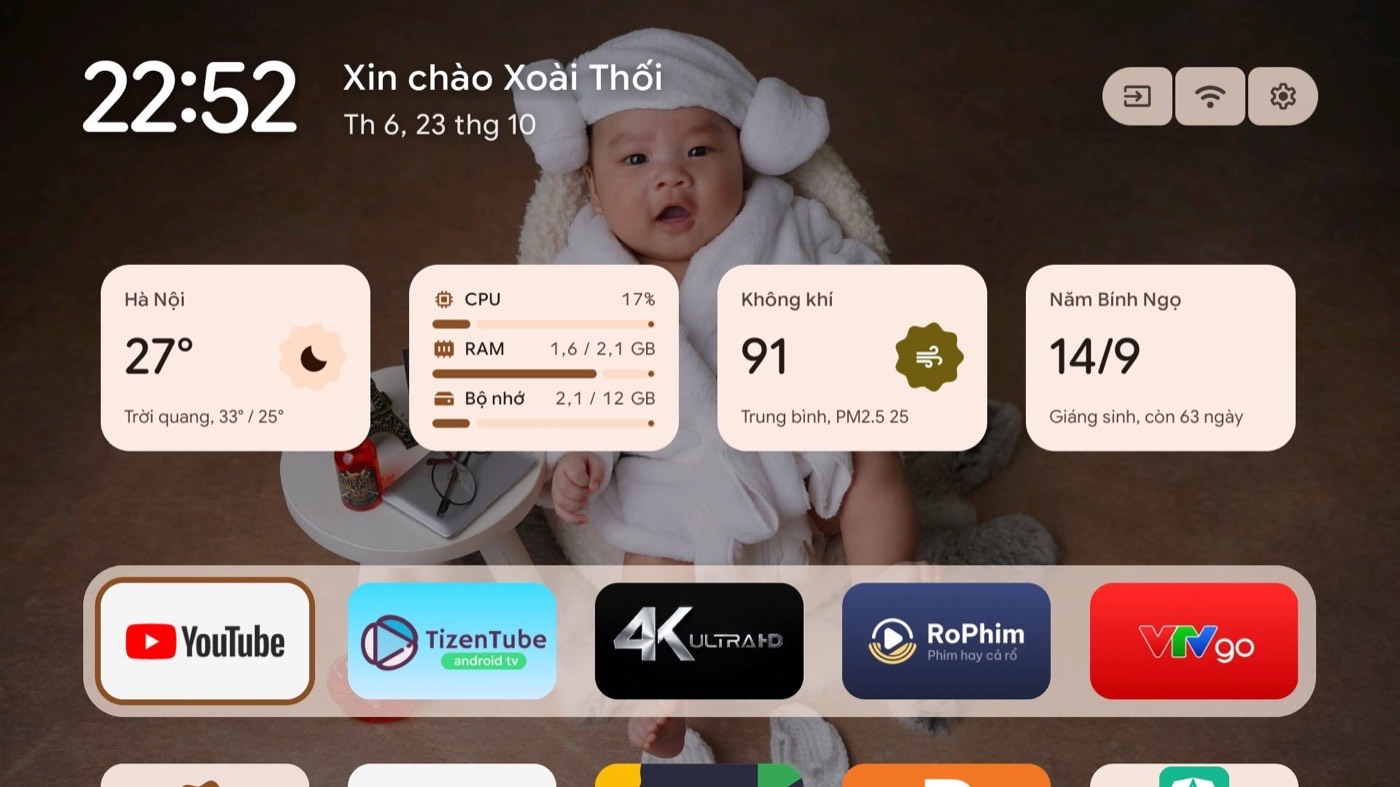
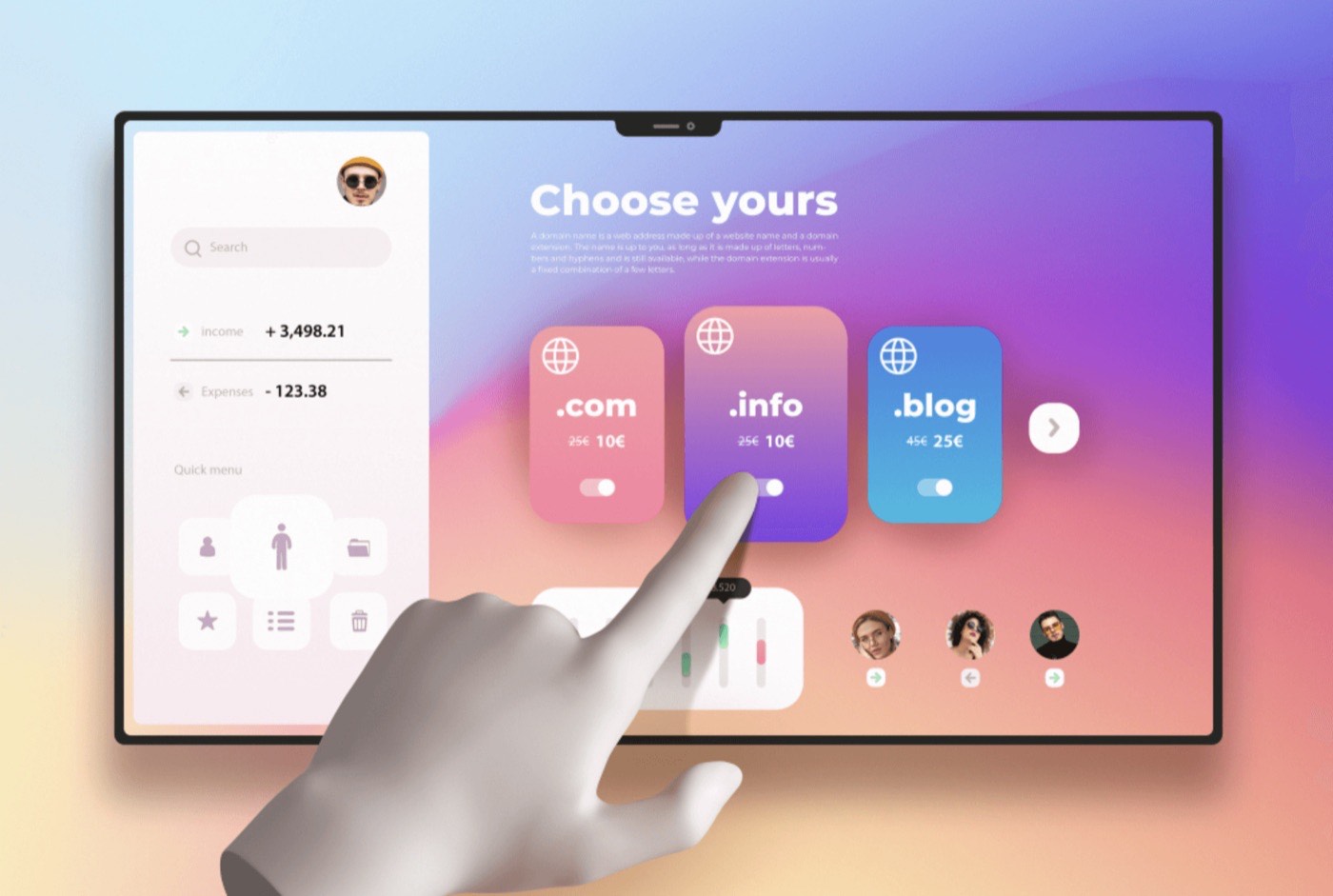
Color, Typography, and Spacing have become familiar parts of Design Tokens. Motion, however, is often handled in less systematic ways: documented in handoff notes, communicated through prototypes, or simply approximated with an effect that seems to match the original idea.
As a result, concepts such as “fast,” “smooth,” or “natural” can be interpreted differently by different members of a team.
If Blue500 can be precisely defined and used consistently across a product, motion should be treated in the same way. When every animation is implemented based on individual memory or personal preference, the experience gradually becomes fragmented as the product grows.
With the rise of AI, I believe this is a good time for designers to spend more time thinking about Motion Design. AI can help us create animations, write code, and build prototypes much faster. But the underlying idea of motion, its character, and the strategy behind its use are still areas where designers need to contribute.
Without clear principles and a system, AI will simply help us create more animations—not more consistent experiences.
In this article, I will not go deeply into animation theory. Instead, I will focus on several practical aspects of building a Motion System.
Motion Philosophy
Motion Philosophy is a set of beliefs about the role of motion in a product. It answers a simple question:
“Why does motion exist?”
We do not necessarily need to define a Motion Philosophy on the very first day of a product. But as the product expands, the number of screens increases, and more designers and developers become involved, it is worth stepping back to reassess the design language, review the Design System, and define the role of motion more clearly.
The first version of a Motion Philosophy does not need to be perfect. What matters is that the team begins to develop a shared understanding of what motion is supposed to achieve.
Google Material tends to pursue a sense of naturalness and flexibility. Apple emphasizes smoothness, precision, and refinement. Airbnb creates a sense of warmth, humanity, and spatial depth. Linear, meanwhile, prioritizes speed and efficiency to the point where many animations almost disappear from the user’s awareness.
These definitions may sound abstract, but they form the foundation for the concrete decisions that follow.
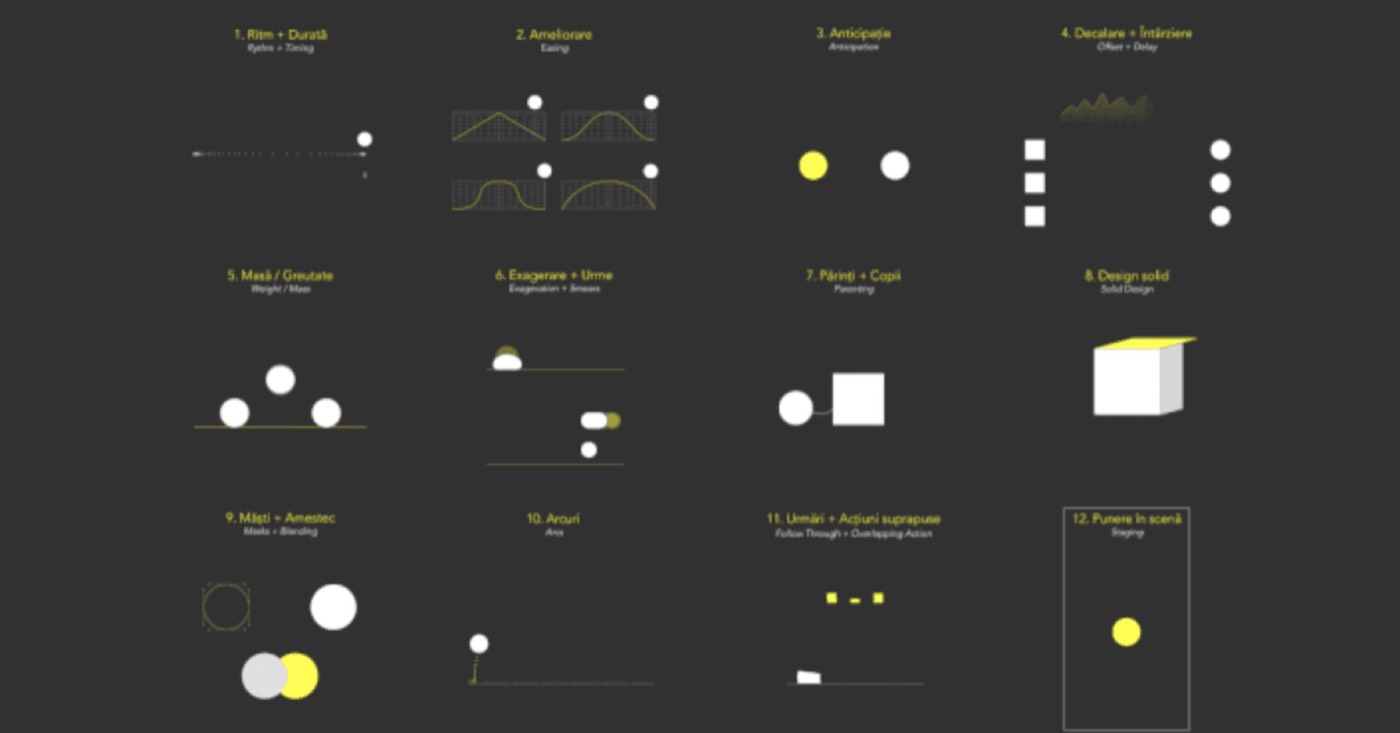
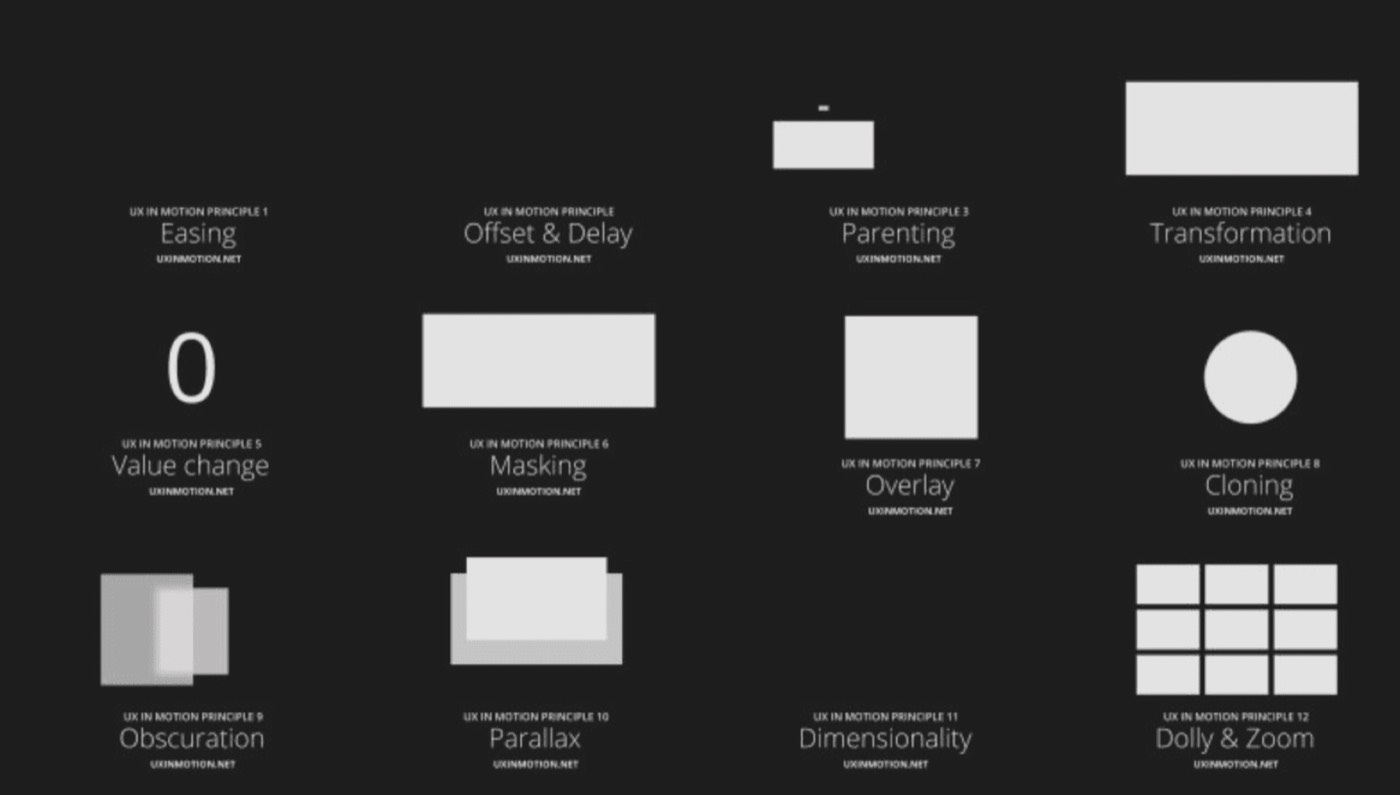
Motion Principles
If Motion Philosophy answers “Why?”, Motion Principles answer “How should we act?”
Several principles can apply to most products:
Clarity — Explain what has just happened.
Continuity — Preserve the user’s context.
Responsiveness — Provide immediate feedback.
Purposefulness — Every motion should have a reason to exist.
Hierarchy — Support the hierarchy of information.
Consistency — Ensure behavior remains consistent across the product.
However, two factors are often overlooked.
Efficiency. Motion can attract attention, but it should never slow down the user’s workflow.
Accessibility. Motion should not cause discomfort, distraction, or dizziness, particularly in products related to health or products serving users who may require accessibility support.
Motion Patterns
Motion Patterns are predefined motion behaviors designed to be reused across a product. They are the layer that helps maintain consistency instead of allowing every screen to introduce its own motion language.
Common UI components that need motion guidelines include Toasts, Tooltips, Modals, Dropdowns, Loading states, Drawers, and Bottom Sheets.
For example, a team might agree that all overlays use Scale + Fade when entering and Fade Out when exiting.
Beyond basic UI components, Motion Patterns can also cover navigation behaviors such as Push, Slide, Drill Down, or Shared Element Transition.
A Card, for example, can expand into a detail screen rather than disappear and be replaced by an entirely new screen. Small details like these help users maintain context as they move through a product.
To make this more concrete, consider a Modal.
Motion Philosophy: Motion helps preserve context.
Motion Principle: Users should understand what has just appeared.
Motion Pattern: Scale + Fade.
Motion Token: motion.overlay.open
Motion Spec: Scale from 96% to 100%, Opacity from 0% to 100%, over 200ms with Ease-Out.
This is how abstract ideas become concrete product decisions.
Motion Tokens
This is one of the least implemented aspects of Design Systems, even though the concept of Tokens is already widely understood.
We are generally comfortable defining colors such as Primary/Blue500 or spacing values such as Spacing/16. But when it comes to Motion, many teams still rely on vague concepts such as Fast, Slow, or Ease-Out.
For example, we should avoid defining tokens like this:
Instead, naming should reflect the purpose of the motion:
A good Motion Token should answer the question:
“What is this animation intended to do?”
rather than:
“How long does this animation last?”
Motion Tokens typically consist of three main groups:
Duration — Standardize animation timing, such as Micro, Short, Medium, or Long.
Easing — Standardize how motion behaves, such as Standard, Emphasized, or Exit.
Motion Presets — Combine Duration and Easing into meaningful tokens, such as motion.transition.enter, motion.transition.exit, or motion.transition.feedback.
Accessibility Should Be Part of Motion Tokens
One common issue is that Accessibility is often handled at the component level rather than at the Design System level.
Motion Tokens should not only store Duration or Easing. They should also account for users who enable reduced motion.
For example, motion.transition.enter might use 200ms Ease-Out under normal conditions, but automatically reduce or remove the animation when the operating system enables prefers-reduced-motion.
This allows Accessibility to be handled once at the system level, rather than being solved repeatedly within each individual component.
Motion Specs, QA, and Iteration
After defining Motion Tokens, the team will need Motion Specifications. This is where the behavior of an animation is described in concrete terms, including duration, easing, opacity, scale, and movement distance.
For example:
Modal Open: Scale from 96% to 100%, Fade from 0% to 100%, over 200ms with Ease-Out.
Next comes QA.
Just like color and typography, Motion needs to be reviewed for consistency, performance, and accessibility. A Modal should not take 200ms to open on one screen and 500ms on another without a clear reason.
Finally, there is Iteration.
Designers need to observe how users respond to motion in the product and continue refining the Motion System over time.
When Should We Start Paying Attention to Motion?
Many products in Vietnam still treat Motion as a nice-to-have or implement it based on inspiration rather than a system.
When products have largely reached the point of being “good enough,” details such as Motion can become important factors in making an experience feel coherent, memorable, and differentiated.
For this reason, Motion should be considered part of the Design System from the beginning, just as we consider UX Writing, Color, Typography, or Spacing.
That does not mean a product needs a complete Motion System on day one. But developing a motion mindset early will help teams build Motion Patterns and Motion Tokens more intentionally as the product evolves.
If we look at products known for their user experiences, such as Apple, Stripe, Airbnb, or Duolingo, we can see that each has its own motion language.
Motion is not the only factor behind a great experience, but it is one of the elements that can help a product move beyond “good enough” and become more memorable.
We have spent years tokenizing Color, Typography, and Spacing.
Perhaps it is time for Motion to be treated as a first-class citizen of the Design System.
If Color is the visual language of a product, Motion is the language of behavior.
And like every other language, it needs to be defined before it can be used consistently.